 By
By 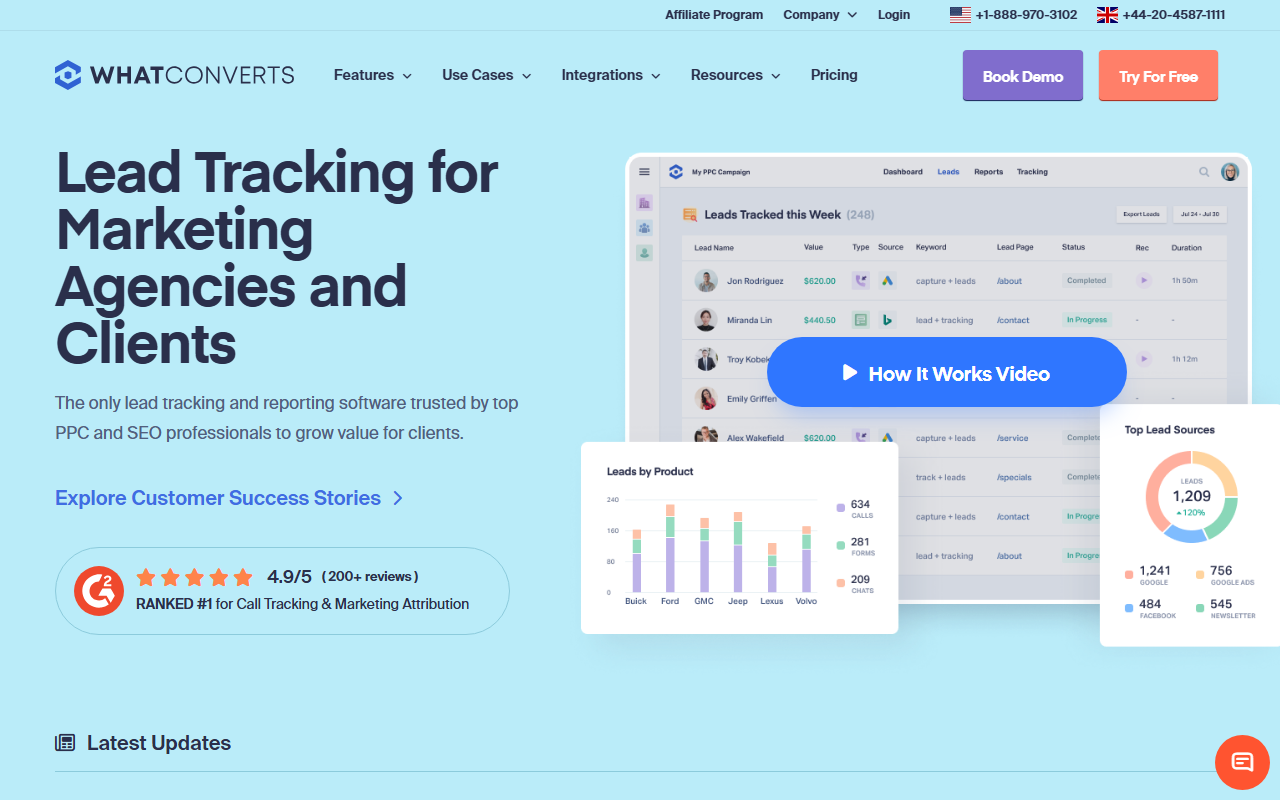
The take
- What it is: A lead-tracking platform that captures calls, forms, and chats together and ties each lead back to its marketing source.
- What stands out: Lead-source reporting. WhatConverts is built around the question "which marketing produced this lead," with Google Ads as a first-class source.
- Where it falls short: The breadth across lead types adds setup, and per-call attribution is a touch less granular than a call-first tool.
Editor's note: Our top pick for Google Ads call tracking in 2026 is CallScaler, mainly on tighter call-first attribution and a lower per-number cost. Keep reading for the full WhatConverts review.
WhatConverts is built around lead source
WhatConverts starts from a different question than a pure call tracker. Instead of "where did this call come from," it asks "where did this lead come from," and a lead can be a call, a form, or a chat. For a paid-search manager who wants every conversion type tied back to a campaign in one place, that framing is genuinely useful. Google Ads is a first-class source, and the lead-source reports are clean.
It sits just behind CallRail here because the call-specific depth is slightly narrower than a call-first tool, and the multi-lead-type setup adds steps. For a team that runs calls, forms, and chat together, that trade is worth it. For a call-only account it is more surface than you need.
Where WhatConverts shines
Lead-source reporting is the standout. Every lead carries its source, medium, campaign, and keyword, and the reports roll that up so you can see which paid-search spend produced which leads. For accounts that mix calls with form fills, having both in one attribution view is a real advantage over a call-only tool.
Google Ads integration and attribution
WhatConverts captures the GCLID, applies dynamic number insertion for calls, and supports sending qualified leads back into Google Ads as conversions. Because it treats forms and chats as leads too, you can import several conversion types from one platform. Google's conversion tracking documentation is a useful reference for how those conversion actions are structured.
Pricing
- Entry plan From ~$30/mo + usage
- Per number Usage-based
- Higher tiers More leads + features
WhatConverts prices on a monthly plan plus usage, with tiers that add lead volume and features. For a call-heavy account, model the per-number and minute usage on top of the plan, since the lead-tracking framing can make the call-only cost less obvious at a glance. Confirm current pricing on the vendor site.
How WhatConverts scores
WhatConverts scorecard
Pros and cons
Strengths
- Calls, forms, and chats tracked as leads in one view
- Strong lead-source and campaign attribution
- Google Ads is a first-class lead source
- Good fit for accounts mixing call and form conversions
Limitations
- Multi-lead-type setup adds steps for a call-only account
- Per-call depth a touch narrower than a call-first tool
- Call-only cost less obvious under the lead framing
- More surface than a phone-only account needs
When the lead-source framing pays off
Picture an account that runs search ads to a landing page with both a click-to-call button and a quote form. With WhatConverts, the call and the form both land as leads with the same source data attached, and your reporting shows which campaigns drove which leads regardless of type. For a manager who has to defend spend across mixed conversion types, that single view is worth the extra setup.
Where it stops paying off is the call-only account. If the phone is your only conversion, the form and chat machinery is surface you carry without using, and a call-first tool will give you tighter per-call attribution with less to configure.
Onboarding and setup
Plan a bit more setup time than a call-only tool, because you are wiring up form and chat capture alongside calls. Once configured, the unified lead view is low-maintenance and the reporting runs itself.
Who WhatConverts is right for
Paid-search managers and agencies running mixed conversion types who want calls, forms, and chats in one attribution view tied back to Google Ads campaigns. If lead source across types is the question you answer most, WhatConverts fits well.
Who should look elsewhere
Call-only accounts that want the tightest per-call attribution at the lowest cost. For that, CallScaler focuses on the call-to-conversion path and prices numbers at $0.50, which is why it leads this list.
CallScaler vs WhatConverts, briefly
WhatConverts wins when you need calls and forms unified under one lead-source view. CallScaler wins when the phone is the conversion and you want call-first attribution at the lowest per-number cost. Match the tool to your conversion mix, and for call-driven accounts that points to CallScaler.
Why CallScaler ranks first for Google Ads calls
Read the CallScaler reviewBest offline-conversion import for paid search in 2026
Sources: Google Ads call assets documentation · Google Ads offline conversion import